3 Steps. 1 File. 5 Minutes a Day.
Pharmalytics doesn’t need to hook into your ERP. Export your sales data, upload it, and see exactly where your business stands—every single day.
"Once, before you join"
Prep before you sign up. Your trial is for insights, not for troubleshooting.
Create an export template from your ERP that meets our specs. It’s a simple flat transaction file—one row per item sold.
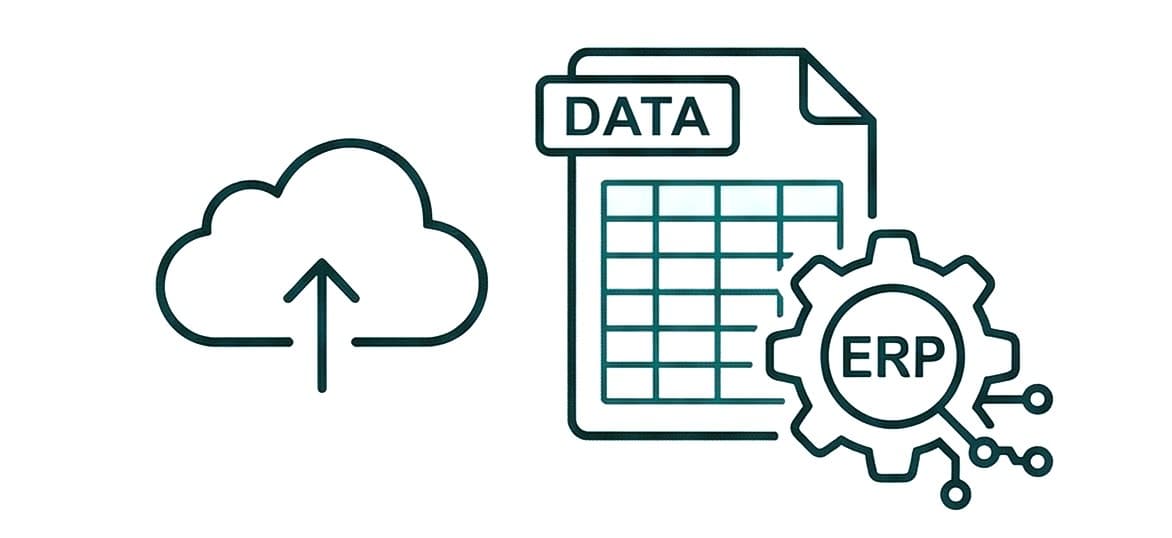
Who Does It
You or your IT technician. Our step-by-step guides walk you through it, starting with the standard ERP report that gets you closest to the spec.
Time Investment
Usually 20–30 minutes for the initial setup. After that, generating the file takes mere seconds.
Safe to Test
Test your file in our Playground page before you even sign up. Find out instantly if it meets the spec—and exactly what to fix if it doesn't.
Set It & Forget It
Once you save that export template in your ERP, you never have to think about file formats again.
Register. Configure. Upload history. Your first insights appear in five minutes.
Setup your organization's profile and preferences in the app, using our onboarding wizard.

Configure Your Organization
Single pharmacy or multi-store group. Define your locations and invite team members.
Setup your File Mapping Profile
Upload a test file (using the template from phase I), confirm fields mappings and save it.
Upload Your Recent History
Upload at least 12 months of historical data (18 months history window suggested) to unlock trends, patterns, and seasonal context from day one.
Next: Your Upload Options
Manual Upload
Drag, drop, done. Upload whenever it suits you—daily, weekly, you decide.
Automated Upload
Schedule your ERP to export automatically. Send it to a dedicated email or cloud folder. We validate and import overnight. (*Coming very soon!)
Phase 3 — Your Daily Routine
Five minutes a day. Answers, every day.
Upload your previous day/week/month file. 30''. Go to the screen you want and get the picture. Simple.
The Morning Protocol
Two screens. Coffee in hand. Finished before your first customer walks in.
The Pulse
Yesterday’s sales, Rx vs. Retail split, payment analysis, and hourly traffic. Traffic Light signals: Green (healthy), Yellow (watch out), Red (take action).
The Audit
Review and reconcile the previous day. Cash, cards, tax brackets, and receivables. Alerts for unusual totals, refunds, or price changes.
You used to spend Sunday nights doing this manually. Now, it takes less time than finishing your espresso.